Follow every line.
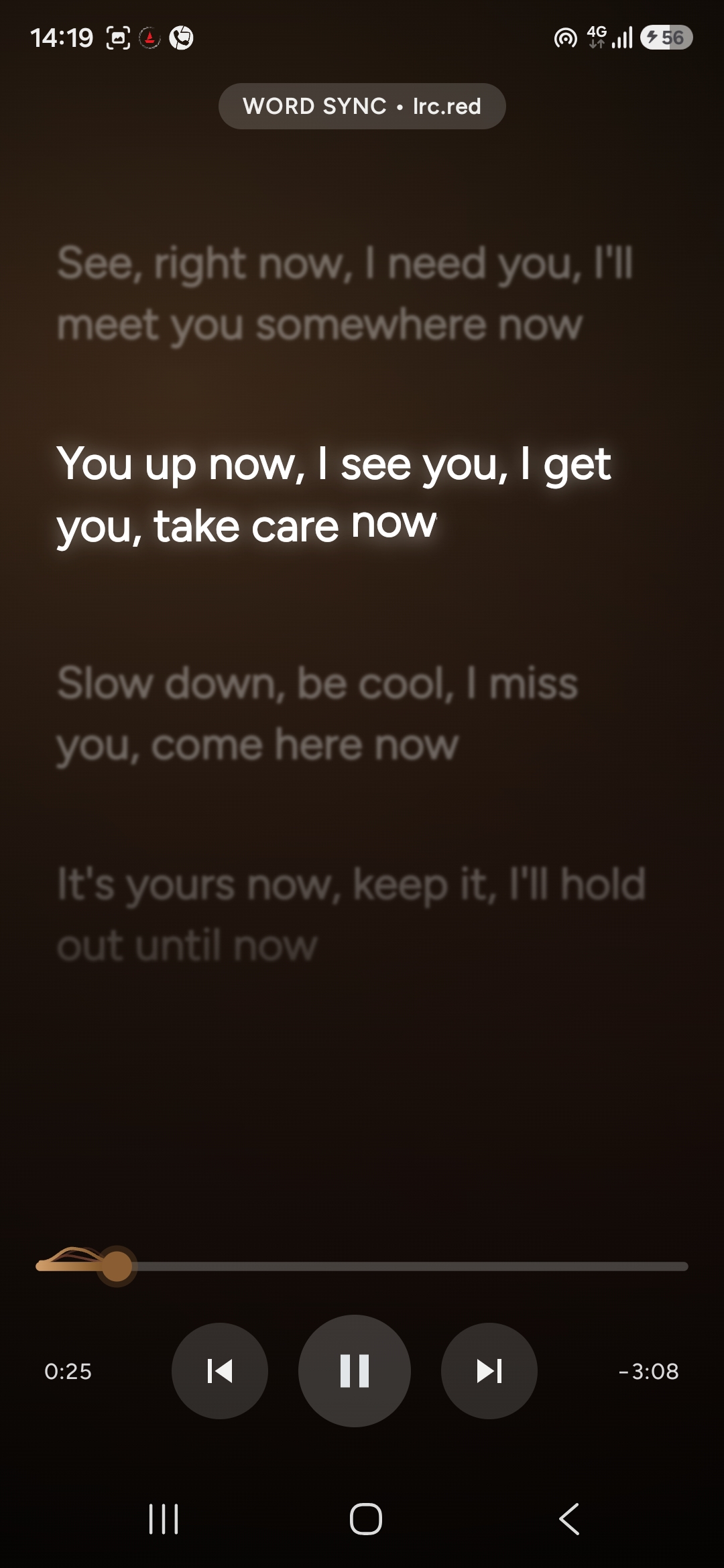
Line- and word-synced karaoke lyrics, multiple providers, translation, romanisation, text sizing and timing offset.
 KatMusic
↓0
Download
A YouTube Music player for Android, Windows, macOS and Linux. Listen together with friends, then share songs with a link or a scannable KatMusic Code.
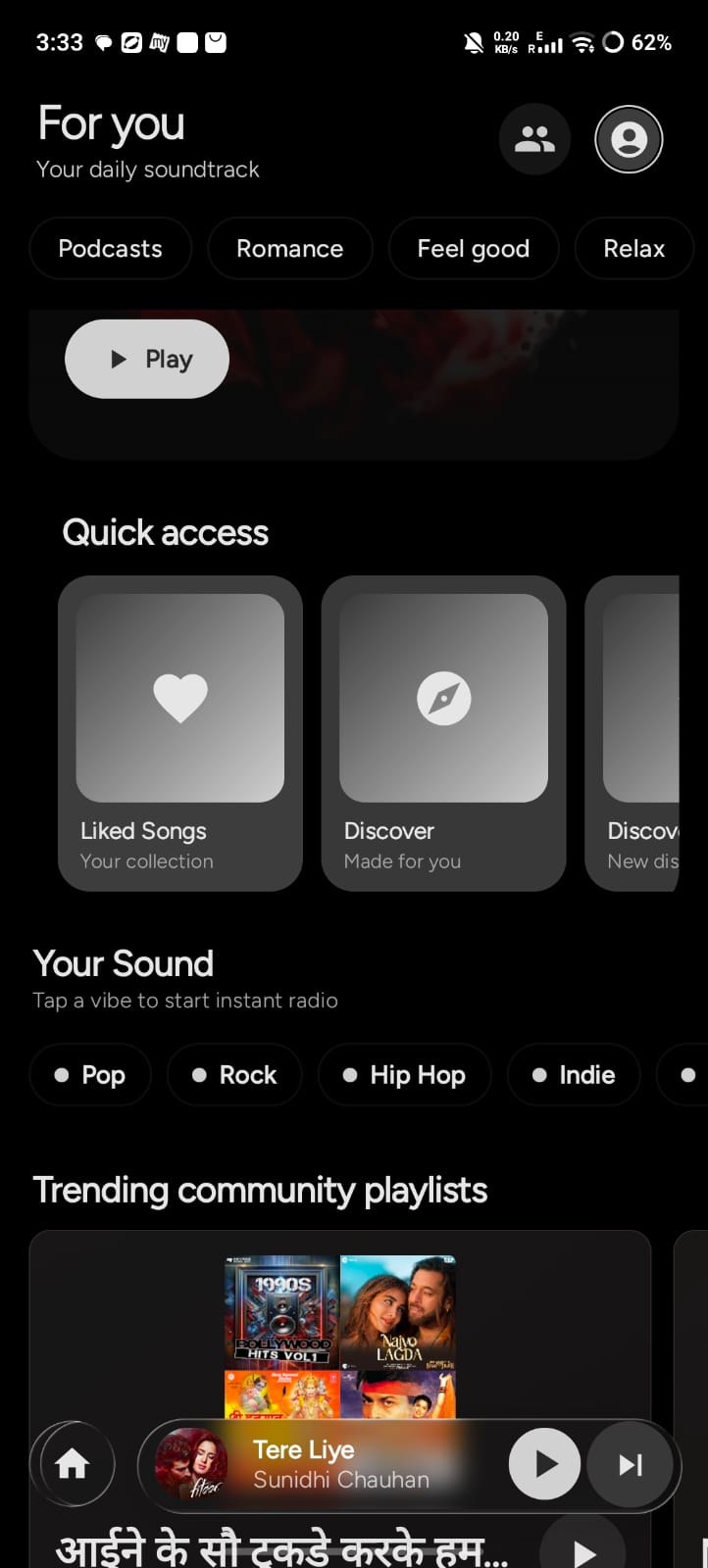
Specific features, not empty superlatives. This is what the app actually includes.
Line- and word-synced karaoke lyrics, multiple providers, translation, romanisation, text sizing and timing offset.
A native C++ engine built around Oboe, with parametric and graphic EQ, presets, AutoEQ profiles and supported direct-output paths.
Send a track and your friend gets a page that opens it straight in KatMusic on their phone, laptop or desktop.
Pick Classic for simple surfaces, or Modern for Liquid Glass, floating glass navigation and richer motion.
Track progress, cancel or retry, and pause Wi-Fi-only downloads on mobile data.
Crossfade planning, BPM and phase analysis, and WSOLA time stretching.
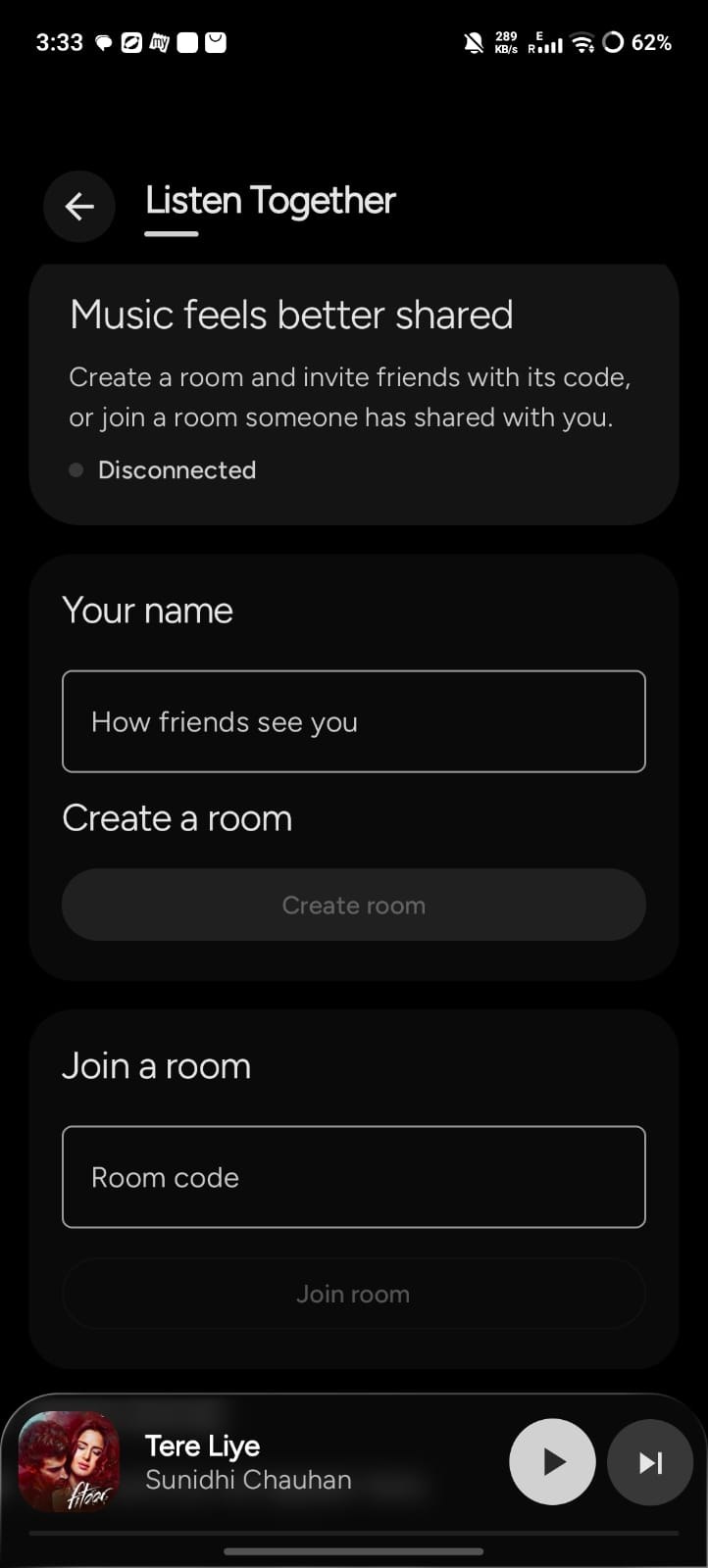
Make listening social. Start a room with friends, share its QR invite, or send a song as a KatMusic Code.
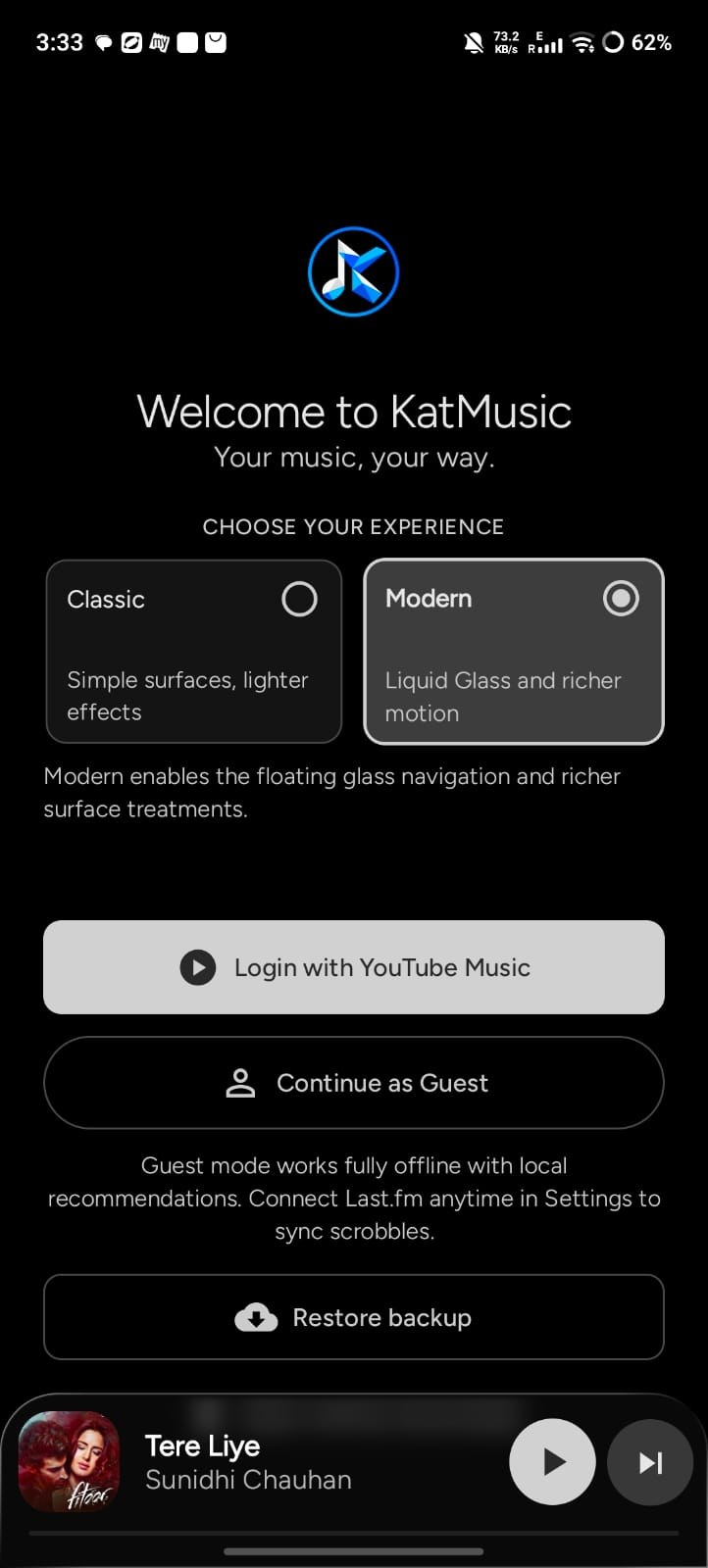
Choose your experience the first time you open KatMusic, and change your mind whenever you like.
Simple surfaces, lighter effects.
Liquid Glass and richer motion, with floating glass navigation.
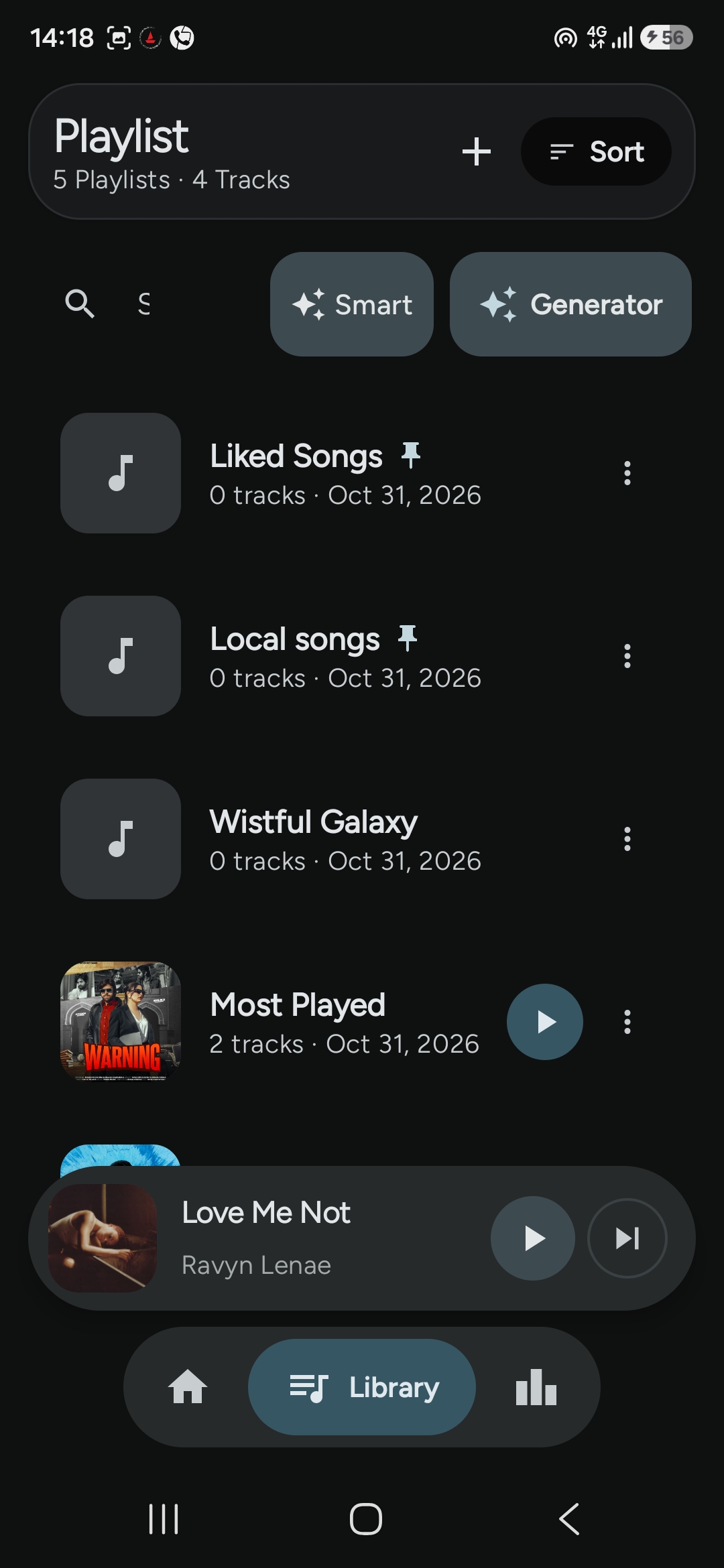
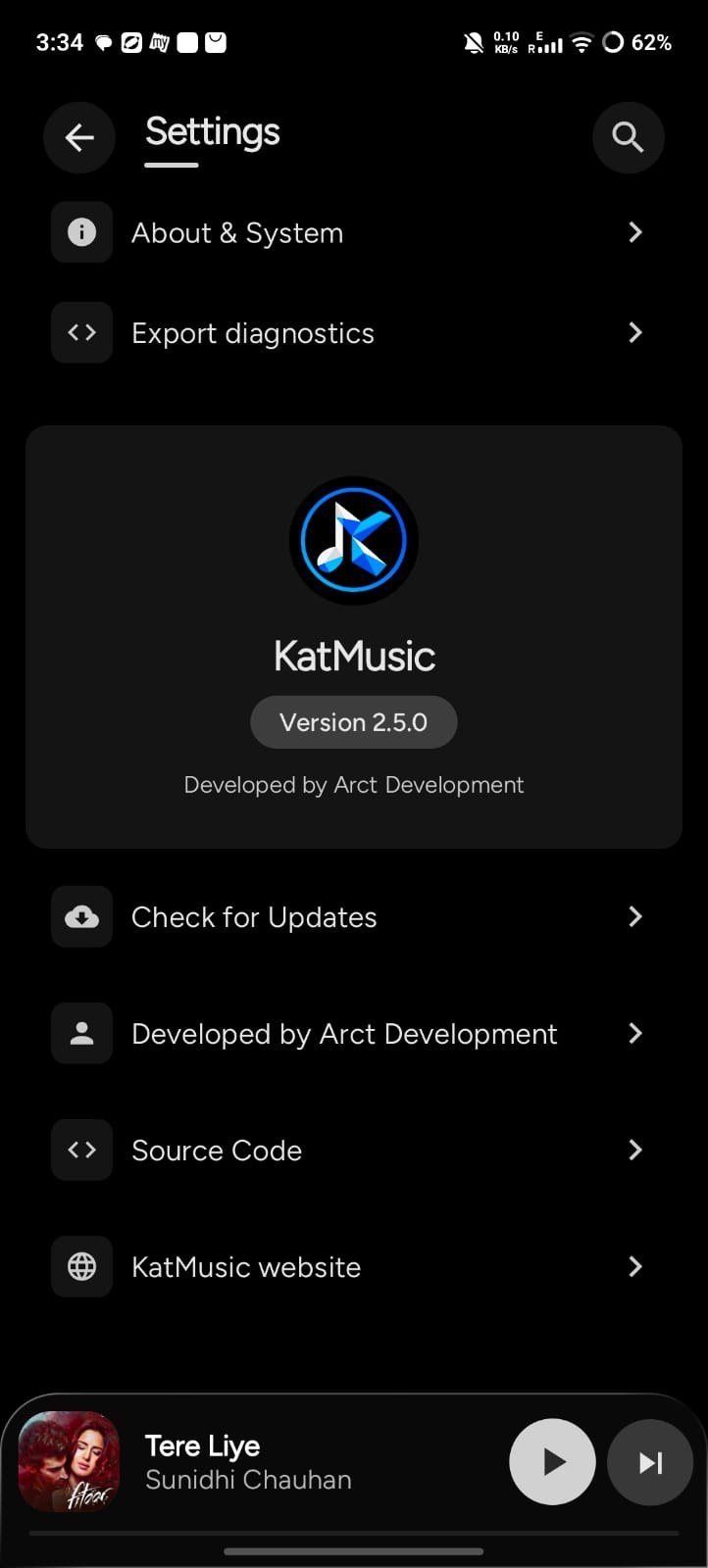
Captured on Android. Swipe through the player, lyrics, library and settings.
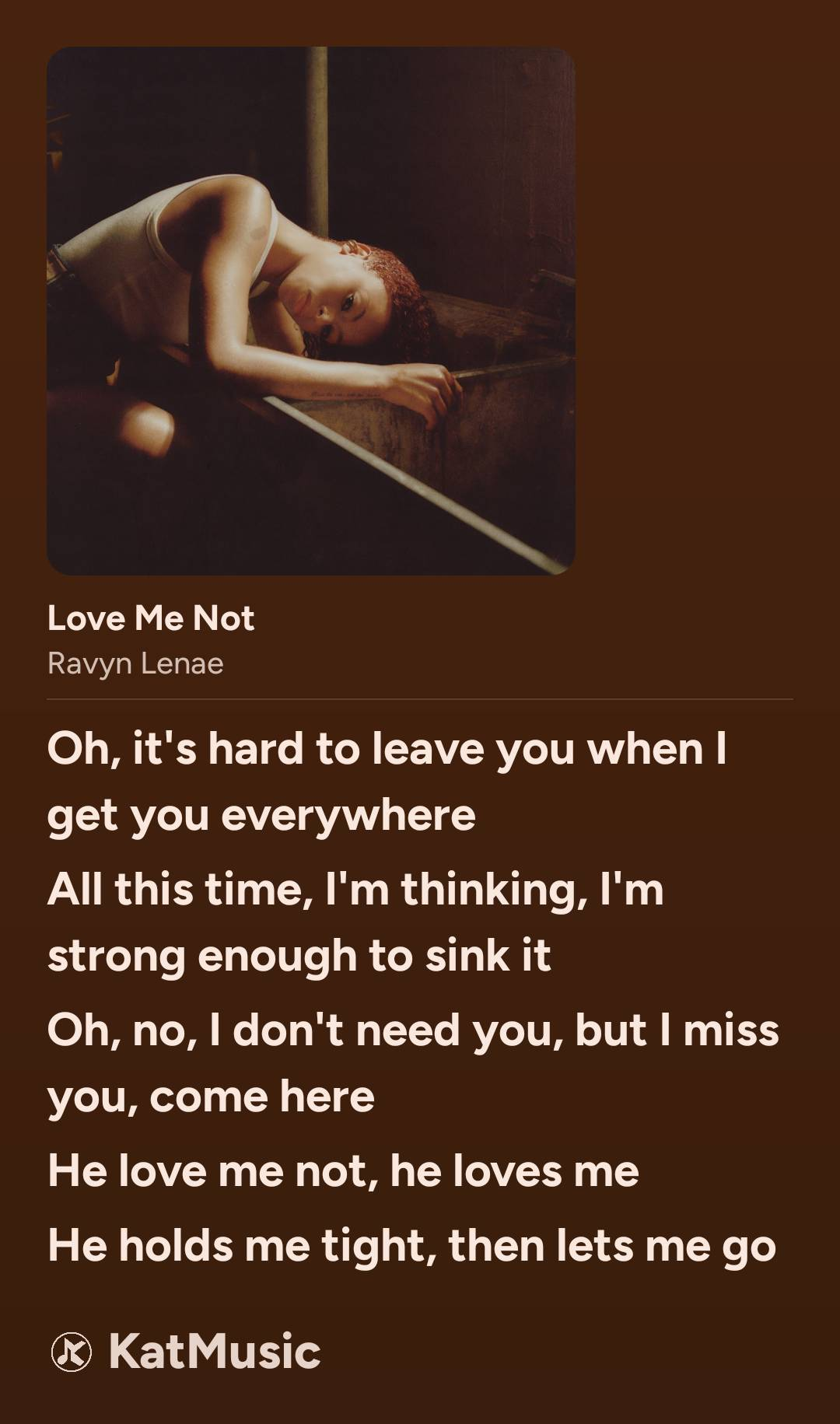
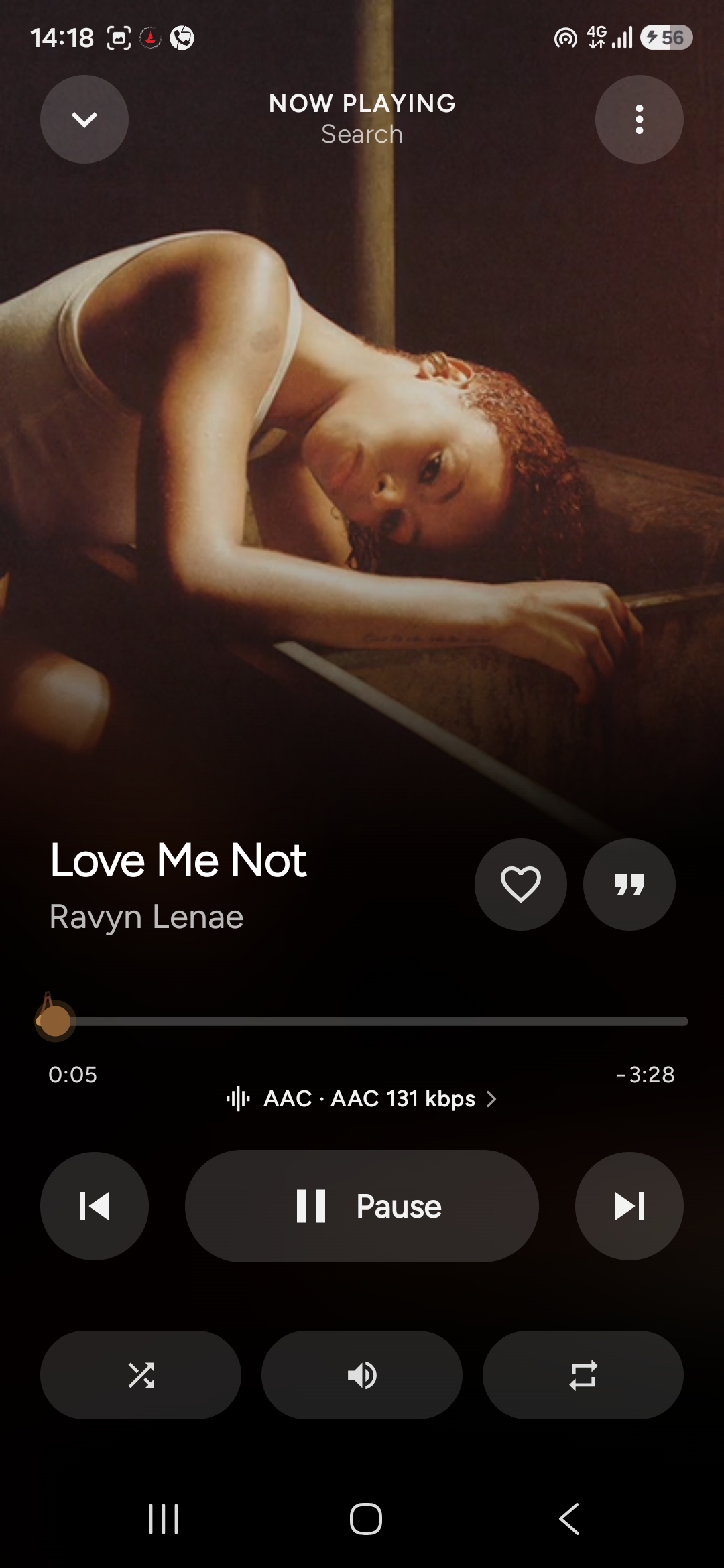
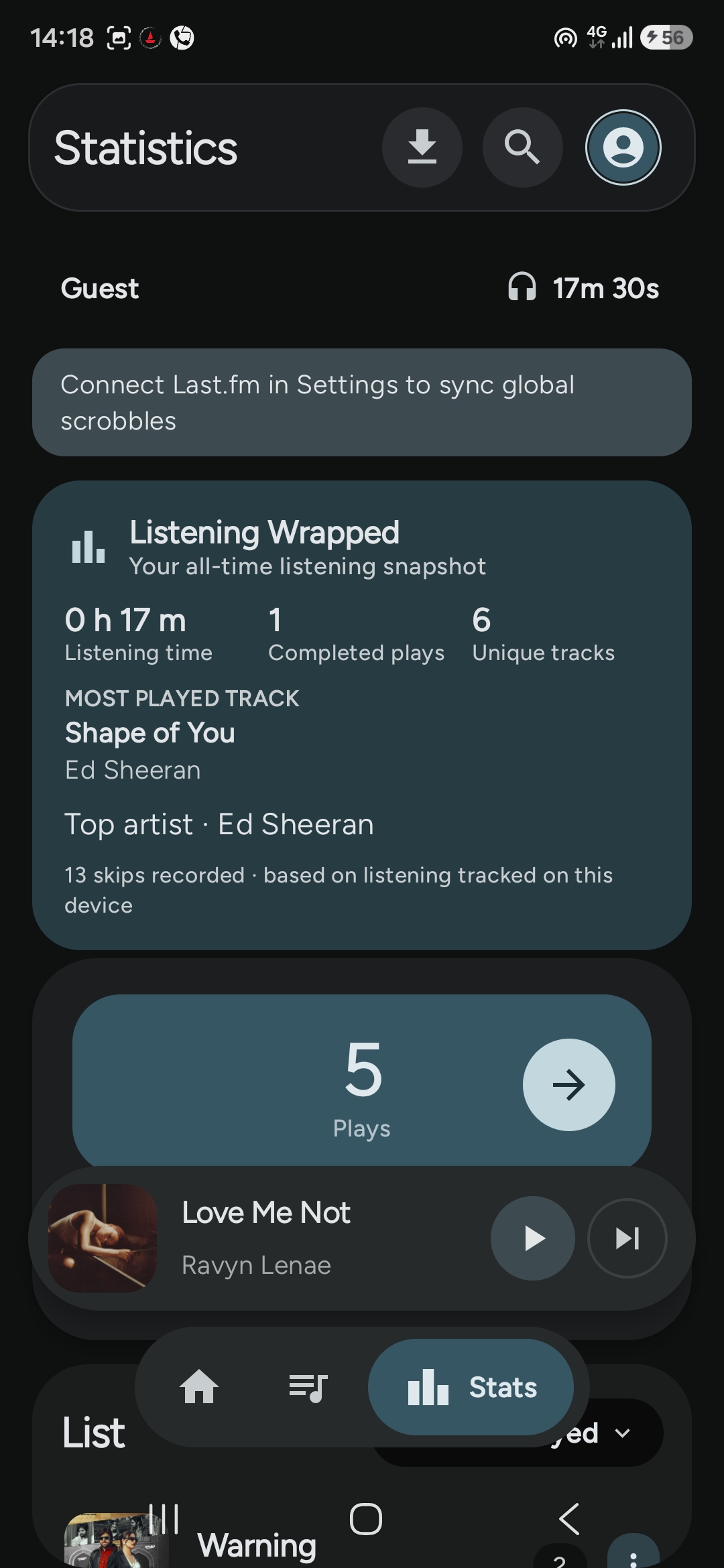
Pick the expanded player that fits how you listen. Settings → Playback & UI → Player Style.
Steps follow the platform you pick below. Compatibility varies by device.
Universal for most phones. ARM64 for 64-bit ARM devices. Legacy for Android 7–9.
Open the downloaded file and follow your system's prompt.
Launch the app and configure account access or optional integrations in Settings.
Every platform comes from the project's public GitHub releases — no third-party mirrors. Pick yours and the page keeps the right package at hand.
The full app, in your pocket.
APKs are signed; verify with SHA-256 from the release.
Could not load release details. The GitHub releases page still works.
KatMusic is free, open source and built by a small team. If it earns a spot on your device, a donation helps cover development time and keeps it ad-free.
Pick whichever way is easiest for you. Donations are always optional and never unlock anything in the app.
Donors are added to the board by hand, so it can take a little while for a new entry to appear.
Something skipped, stuttered or simply looked wrong? Describe it here and we'll send it straight to the KatMusic team.
No analytics or advertising-tracking SDK, according to the project documentation.
Android 10 and newer (with a legacy package for Android 7–9), plus Windows 10/11, macOS 12+ and 64-bit Linux. Android and desktop version independently, so each publishes its own GitHub release and this page picks the newest package for your platform.
Use the platform tabs in the download section. On Android, the universal APK is the safe default, ARM64 is smaller for 64-bit phones, and the legacy package is only for Android 7–9.
No. KatMusic is an independent, third-party project. It is not affiliated with, endorsed by or officially connected to Google or YouTube.
Choose Share song link for a universal KatMusic page link, or Share KatMusic code for a branded, scannable code card. The code also has a short human-readable backup. If KatMusic is not installed, the link page offers a YouTube Music fallback.
The current release offers Android 10+ packages and a legacy package for Android 7–9. Some features and media controls use alternatives on older Android versions.
Create a room and invite friends with its code, shareable link or QR code. The host approves who joins, and rooms include chat and synchronized playback. You can also join a room someone shared with you.
You can log in with YouTube Music or continue as a guest. Guest mode works fully offline with local recommendations, and you can connect Last.fm in Settings to sync scrobbles.
No. Output modes, supported codecs and bit-perfect behaviour depend on the device, DAC, audio route and operating-system limits. The desktop builds use the host's audio stack.
The project README states that KatMusic does not bundle an analytics or advertising-tracking SDK. Network requests are made to services required by the features you use.
Yes. KatMusic is GPL-3.0 licensed. The source, issue tracker, contribution guide and release history are public on GitHub.